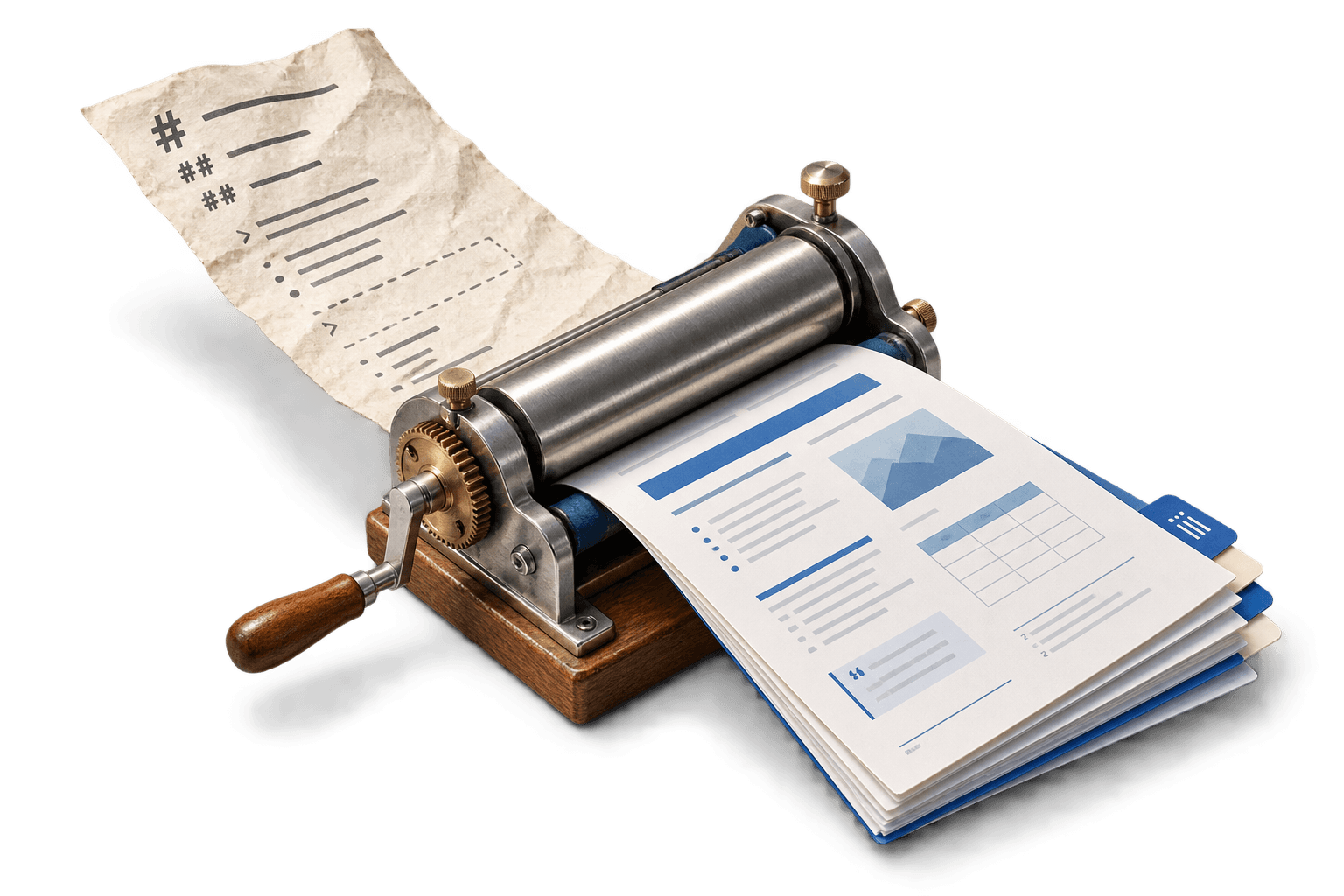
I did not start this as a public developer tool. I was building an AI-assisted school writing workflow. The agent could produce a properly structured assignment in Markdown, but I still had to copy it into Word and repair the formatting by hand.
So I wrote a small internal package to do that last step. The first version only understood titles and a few heading levels. It now turns Markdown into editable .docx files through a TypeScript API, a CLI, or an agent skill.
Why I built it
The original problem was very specific. My agent could write the assignment, but the submission still had to be an editable Word document. Markdown was easy for the agent to produce. Word let me make final changes before handing it in. I was stuck between the two.
Exporting a PDF would not solve it. The output had to keep real headings, lists, tables, images, and page breaks so I could keep editing it in Word. The package automates the copying and cleanup I used to do myself.
# Project proposal## Timeline- Week 1: Discovery- Week 2: ImplementationProject proposal
Timeline
1. Discovery
2. Implementation
I did not expect 600,000 downloads
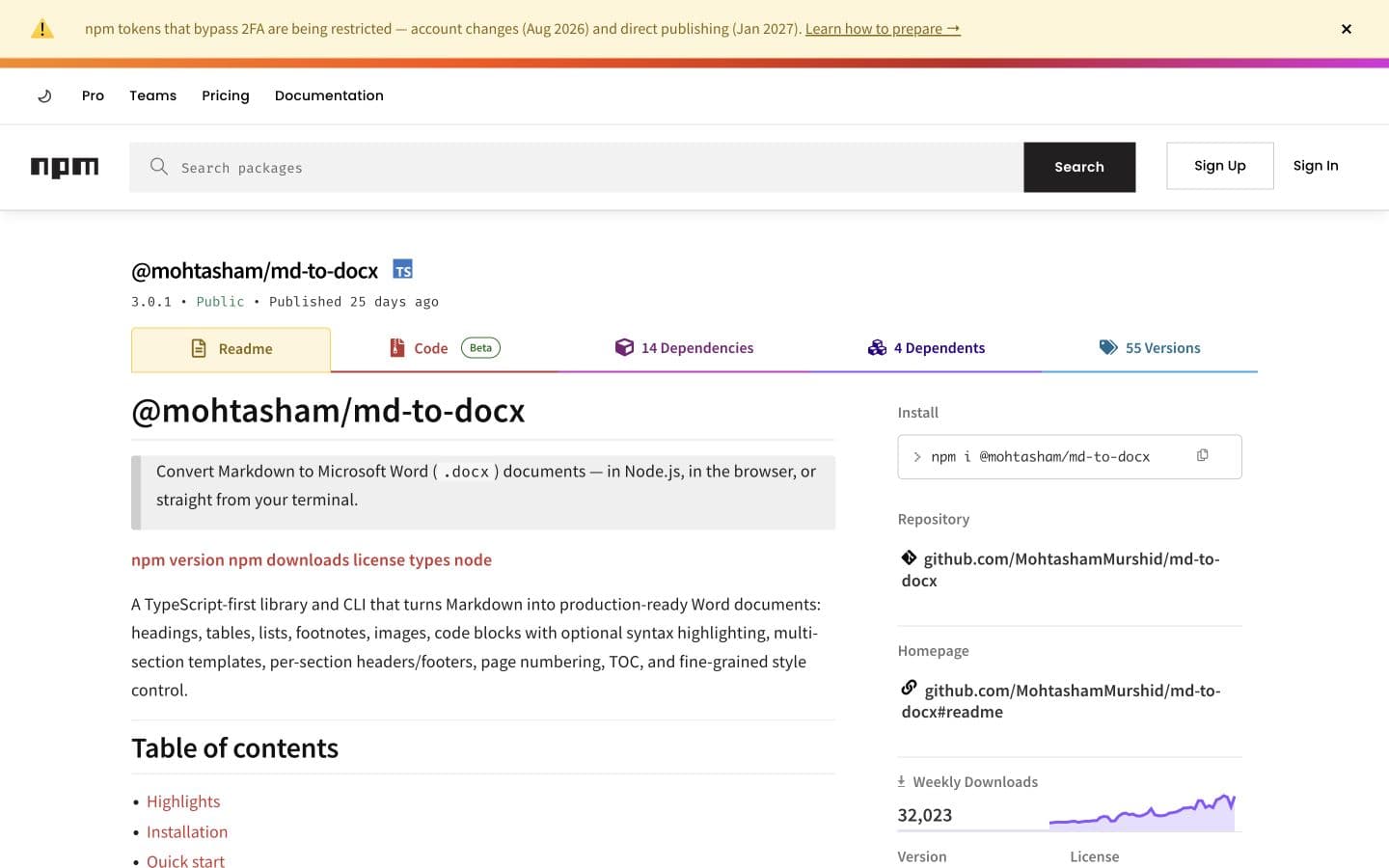
I published the internal package, and it turned out to be useful beyond my own assignment workflow. It now has about 992.3Kdownloads in total and 34.7K in the last week. That is still slightly ridiculous to me. This began as a shortcut for one app.
Real usage also brought real maintenance. At one point I had more than 20 open issues to work through. I built and maintained the package alone, including fixes, pull-request reviews, and the less exciting work of keeping old behavior intact.
The two features I care about most
Images were the first hard feature I felt proud of. In Node, the package can download a remote image, validate it, and place it into the document. The browser path has tighter limits because it cannot fetch every remote source safely.
The table of contents matters for a different reason. It only works properly when the converter creates real Word heading styles. That same structure is what makes the document outline, cross-references, and later edits work.
Three ways to use the same converter
Apps can call the TypeScript API. The CLI handles a quick file conversion. The agent skill gives coding agents the package rules and examples. All three use the same parser, document builder, and styling options.
import { convertMarkdownToDocx } from "@mohtasham/md-to-docx";

const blob = await convertMarkdownToDocx(markdown, {
  documentType: "report",
  style: {
    heading1Alignment: "CENTER",
    paragraphAlignment: "JUSTIFIED",
    direction: "LTR"
  }
});$npx @mohtasham/md-to-docx input.md output.docx
Document structure survives conversion
The output uses real Word document parts. A table has rows and cells. A heading appears in the document outline. A page break begins a new page. This is why the file remains useful after the conversion finishes.
# Heading→- List item→| Table |→→[TOC]→\pagebreak→Styling stays outside the draft
Conversion options control heading sizes, paragraph spacing, alignment, text direction, and table-of-contents formatting. A replacement pass can update names or version strings before the document is built.
The Markdown describes the content. The options decide how that content should look for a particular recipient.
const options = {
  style: {
    titleSize: 32,
    heading1Size: 30,
    paragraphSize: 24,
    lineSpacing: 1.15
  },
  textReplacements: [
    { find: "ACME", replace: "Acme Corp" }
  ]
};What the package handles now
The first version handled titles and a few heading levels. Version 4.0.1 handles lists, tables, footnotes, images, code blocks, page breaks, tables of contents, and multi-section documents with headers and footers. It also supports captions, cross-references, charts, Mermaid diagrams, and editable Word math.
Reference DOCX workflows go further. The converter can read styles from an existing Word file or patch content into placeholders, which lets a generated document follow a supplied school or company template instead of starting from a blank page.
What I am still improving
Tables caused some of the messiest bug reports. I fixed the cases people sent me, and I have not seen the same reports return, but Word formatting always has another edge case hiding somewhere. Issues and pull requests are how I find most of them.
New output features need more than code. I keep regression Markdown files and compare the rendered documents so a fix for one format does not quietly break another.