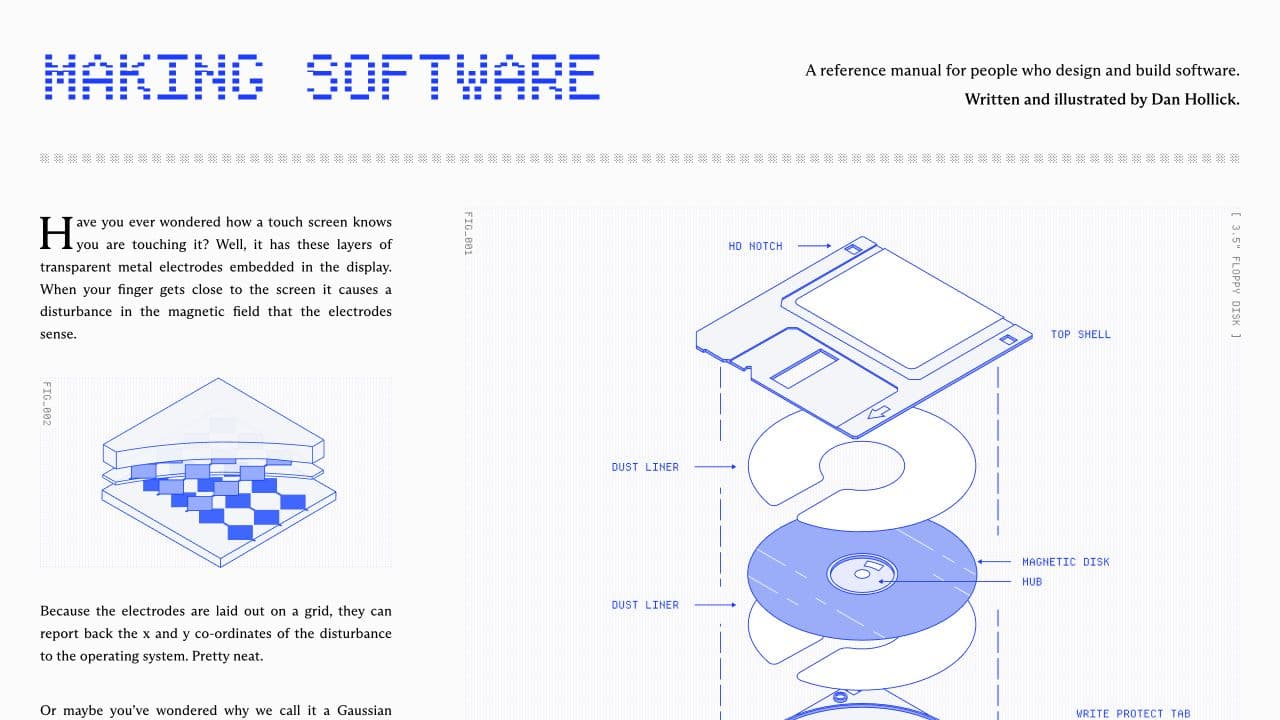
Understanding Software started as a weekend clone of Dan Hollick's Making Software website. I loved his work and wanted to see whether I could recreate that technical field-guide style myself.
There was no larger product idea at first. It was a design problem. I worked closely with an AI agent, gave it very specific visual instructions, reviewed what it produced, and kept iterating until the page felt right.
It started as a clone
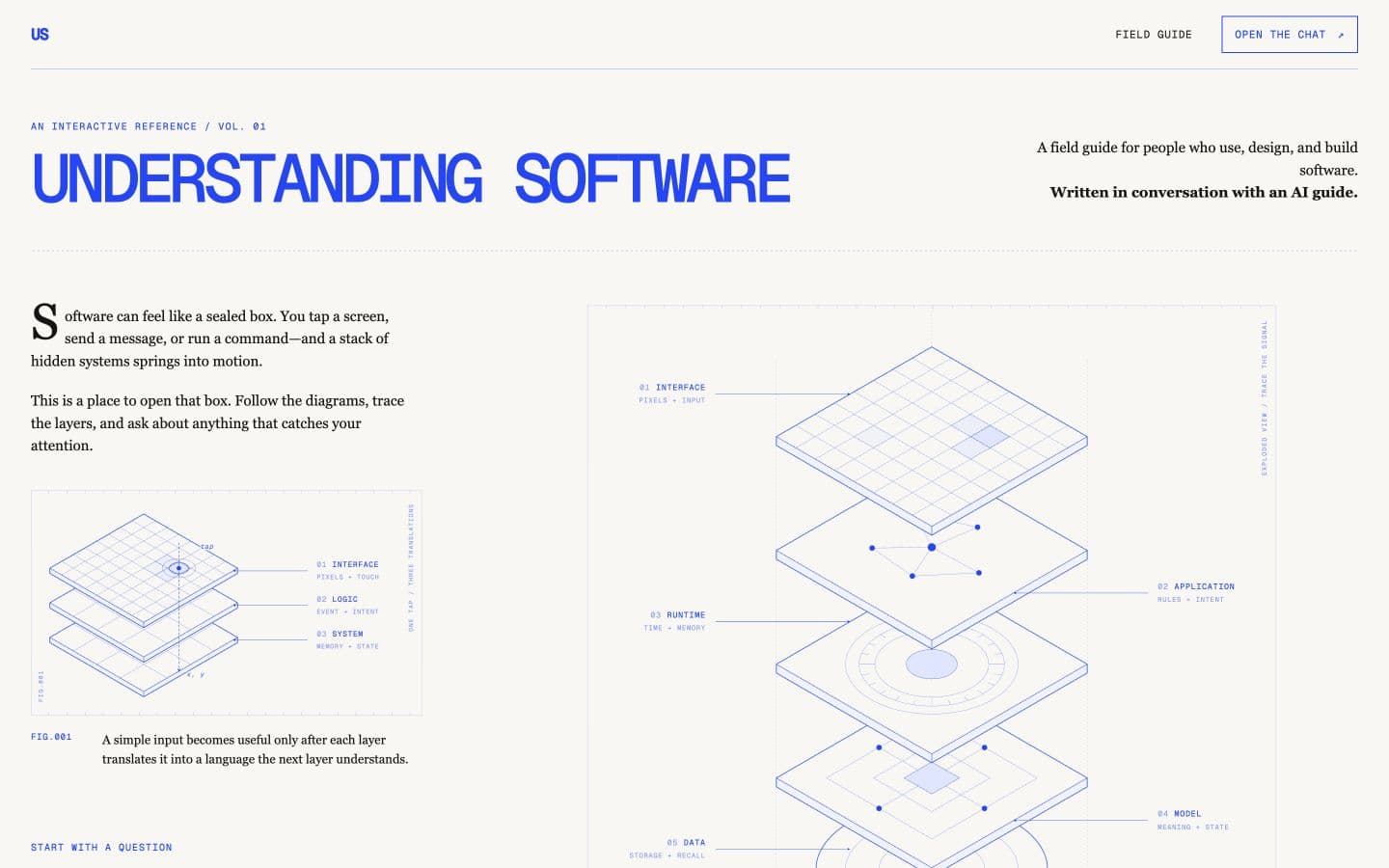
Making Software gave me the basic reference: dense editorial layouts, blue technical drawings, grid paper, numbered figures, and explanations that treat diagrams as part of the writing.
I did not begin by trying to invent another educational platform. I wanted to understand how that visual system worked by rebuilding something similar. The clone was the exercise.
The design was the hardest part
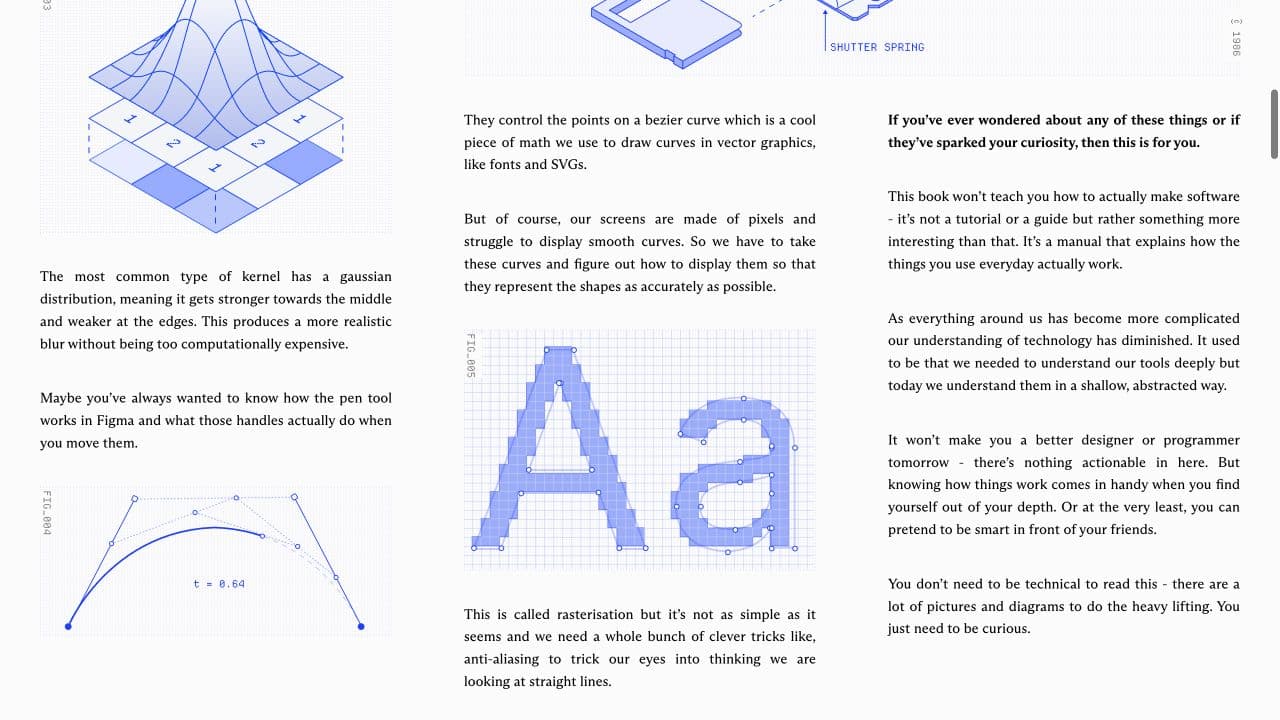
The design is still the part I am most proud of. Getting the page to feel technical without becoming unreadable took a lot of iteration. The typography, spacing, diagrams, borders, labels, and small annotations all had to work together.
My agent wrote much of the implementation, but it was not a one-prompt build. I directed the work, pointed out what felt wrong, and asked for specific changes. We kept going back and forth until the page matched the idea in my head. A lot of designers I know have seen or used the landing page, and the design is usually what they respond to first.
How I worked with the agent on the original clone
Then the clone became a product idea
While building the clone, I realized the format could explain more than one fixed set of topics. That became the Artifact Studio. A reader asks a software question. The agent plans a field guide with two to eight sections, decides whether diagrams would help, writes the sections, generates the figures, and assembles everything into one live document.
Revisions preserve sections and figures that still work instead of rebuilding the entire guide. Three section writers and two figure jobs can run at the same time. The finished artifact can be copied or downloaded as Markdown or an editable Word document.
The exports are useful if someone wants to keep or change the guide. They are also a marketing experiment for my Markdown-to-Docx package. This is not a startup or a finished educational product. It is a weekend project I made for my own satisfaction.
From one question to a finished field guide
The reader brings a software question.
The agent defines the sections and useful figures.
Section writers and figure jobs run together.
The document assembles while the work finishes.
The reader inspects the prose, structure, and diagrams.
Useful sections and figures keep their stable IDs.
Copy it or download Markdown or DOCX.
ask a questionapprove the planwatch the documentrequest a revisionfinishconst buffer = await convertMarkdownToArrayBuffer(markdown, {
documentType: "document",
imageHandling: {
dataUrls: { enabled: true },
maxImageBytes: 10_485_760
}
});npm run dev