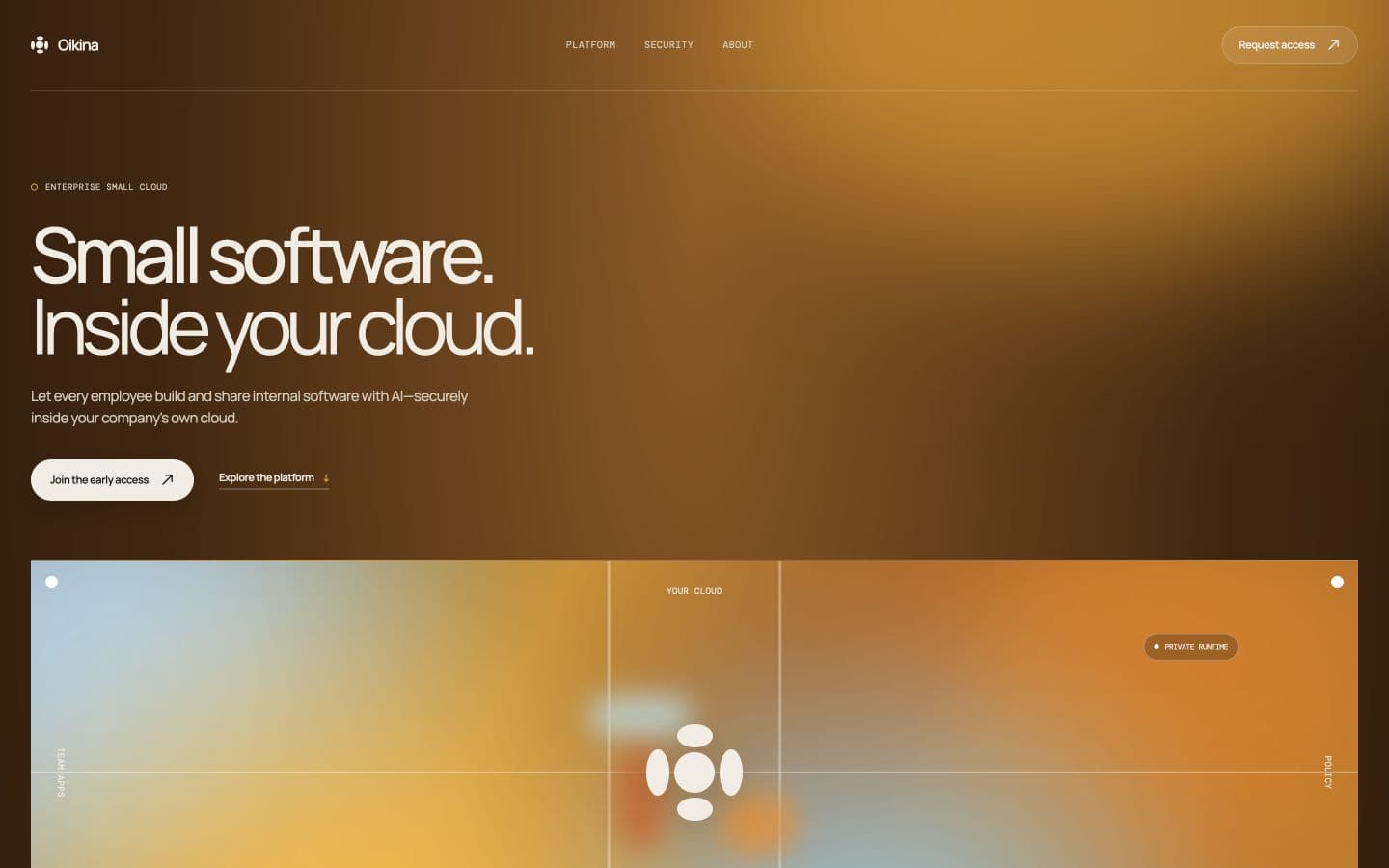
Oikina is my startup. I started it because coding agents could build most of a small app, but they could not finish deploying it. I still had to open several dashboards, create a database, configure authentication, set up storage, and move credentials between services. A quick one-off app kept turning into an infrastructure job.
I wanted one opinionated place where an agent could deploy the app for me. Oikina works from a project folder. Its CLI builds the app, checks its configuration, uploads it, and publishes it to an Oikina subdomain. In my current beta tests, a normal deployment finishes in under ten seconds.
Why I call it a small cloud
Small apps should not require a collection of accounts and credentials before anyone can use them. Most of the apps I build are tools for a handful of people. They need somewhere to run, a database, a little server code, and a safe way to update them. They do not need an open-ended cloud setup.
Oikina is deliberately narrow. It is not another tool that generates the app. The coding agent remains the place where the app is created. Oikina gives that agent a predictable way to develop, validate, and deploy it. The current beta does not replace every dashboard yet, but it proves that deployment can become one short command instead of a manual setup session.
From an idea to a running app
A person asks a coding agent to build a small tool.
The agent writes the interface, actions, and data model.
The CLI checks the manifest, build, routes, and migrations.
Oikina uploads and publishes an immutable release.
The running app receives its Oikina subdomain.
What works in the beta
Oikina currently deploys static sites and constrained full-stack React apps. A full-stack app can include declared server actions, migrations, persistent SQLite data, reactive queries, and encrypted server secrets. Every release is kept as an immutable version, and an earlier release can be restored through rollback.
Server actions run inside fresh, networkless workers. The worker can disappear after the request without taking the app's data with it. SQLite belongs to the app rather than the release, so its data survives new deployments, rollbacks, and worker restarts. Five-plus friends and colleagues are testing the beta. App-user authentication, file storage, background jobs, arbitrary backend servers, and customer-hosted runtimes are not available yet.
Current hosted architecture
oikina.jsondist/server/actions.tsmigrations.env.productiondeployment$ npx oikina new incident-tracker
$ cd incident-tracker
$ npx oikina dev
$ npx oikina validate
$ npx oikina login <deploy-token>
$ npx oikina deploynpx oikina deploy
The part I had to learn
I had deployed plenty of apps before Oikina. I had never built the system doing the deployment. This was my first time going this deeply into packaging applications, checking uploads, isolating private server code, preserving data, switching releases, and operating the infrastructure underneath it.
There was no single difficult piece. The whole path had to work together. An upload could not escape its project folder. Private server code could not become a public file. A failed release could not replace the working one. SQLite had to survive while workers and releases came and went. Rollback had to restore verified code without rolling back the user's data. Getting all of that working was the hardest part of the project, and the reason I learned so much from building it.