
Kelas Sekejap is a Malaysian learning site for English, money and careers. Kelas AI is its app for people who have never built an app or website. A learner describes an idea in chat, and an AI builder turns it into a website. I worked on it under contract as one of two engineers, starting with the first commit in September.
Generating a website is the easy part now. The hard part is the learner looking at a screen full of buttons with no idea which one to press. Most of my work went into Spark, the tutor. Spark talks with the learner by voice or text, reads what is on the screen, points at the right control and draws on the page while it explains.
A tutor that can see the page
The first version I built was a chat that shaped an idea into a brief the learner could copy. Live voice came a few days later. The browser asks our server for a short-lived, single-use Gemini Live token, so the real API key never leaves the server, and then streams 16 kHz microphone audio straight to Gemini. Learners can cut Spark off mid-sentence. Calls end after nine minutes and offer to reconnect.
Spark never sees a screenshot. When it needs to act, it reads a summary of the page instead: the visible controls with their positions and shapes, the question on screen, the build step, and any errors. It can only point at controls that are on the screen right now. If a control has gone, the tool call fails and Spark has to say so instead of pointing at nothing.
How Spark sees and acts
Drawing on the screen
Pointing was not enough for someone who has never heard the word 'composer'. I built a drawing layer the tutor controls. It can draw outlines that match a button's real corner radius, circles, arrows, underlines, labels, and spotlights that dim the rest of the page. A drawing can attach to an element and follow it as the page scrolls. The page stays clickable underneath, and Escape clears everything.
Spark also reacts to what the learner does. Picking a starter, sending a message, pressing Build or opening the preview each gets a reply in about half a second. A small policy stops it from talking too much. It merges events that land within 0.4 seconds, gives each kind of event a cooldown, and allows six reactions a minute. In a voice call, an urgent reaction can interrupt Spark's own sentence but never the learner's.
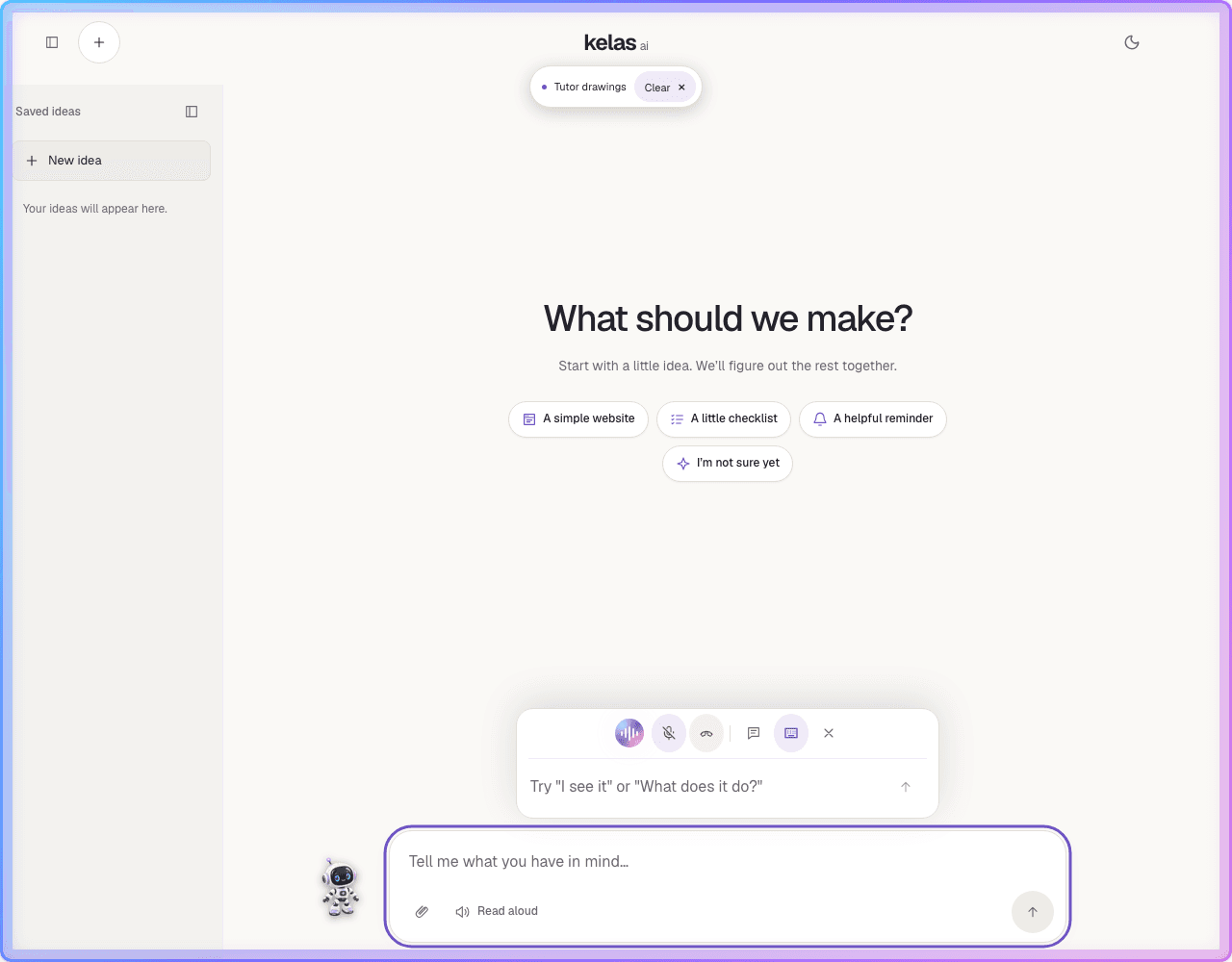
"What's happening?""Where is my website?""What does it do?"Presses Build// Spark outlines Build, then labels it
updateOverlay({
mode: "replace",
objects: [
{ id: "build", type: "outline", targetId: "build-website-button" },
{ id: "tip", type: "label", targetId: "build-website-button",
text: "Press this when your idea is ready", placement: "above" },
],
});npm run dev:all
From first visit to first website
In October I rebuilt the first few minutes. On a new learner's first visit, Spark fills the screen to say hello, flies to its corner and offers to talk, type or be skipped. After sign-up it asks four questions and fills each answer into the form itself. Then it opens Lesson 1 and walks the learner through what the site is for, who it is for and how it should look. Spark pastes the finished prompt into the main box and leaves Enter to the learner, so the first website is one they started.
I also set up the Turborepo monorepo and the one-command local stack, streamed chat replies, showed the builder agent's steps live, and added image and document attachments, image generation in chat, an Astro landing page, and the Settings and Lessons pages. My teammate built most of the hosted builder, the browser sandbox and preview hosting.
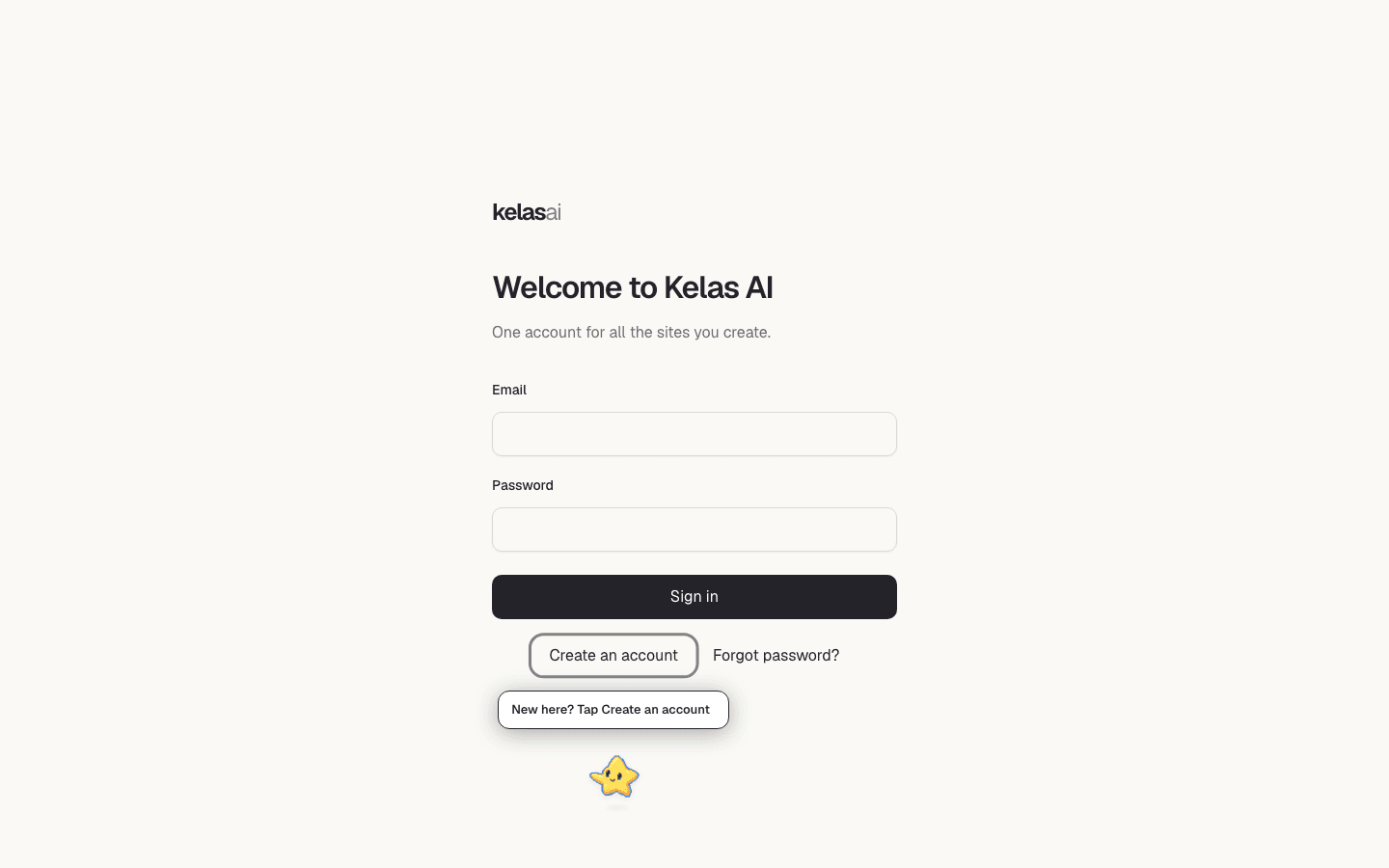
From hello to a first website
A full-screen hello, then talk, type or skip.
Spark asks, then fills each answer into the form.
What the site is for, who it serves and how it looks.
Spark pastes the prompt. The learner sends it.
The builder agent's steps appear as they happen.
It comments on the build and the preview.