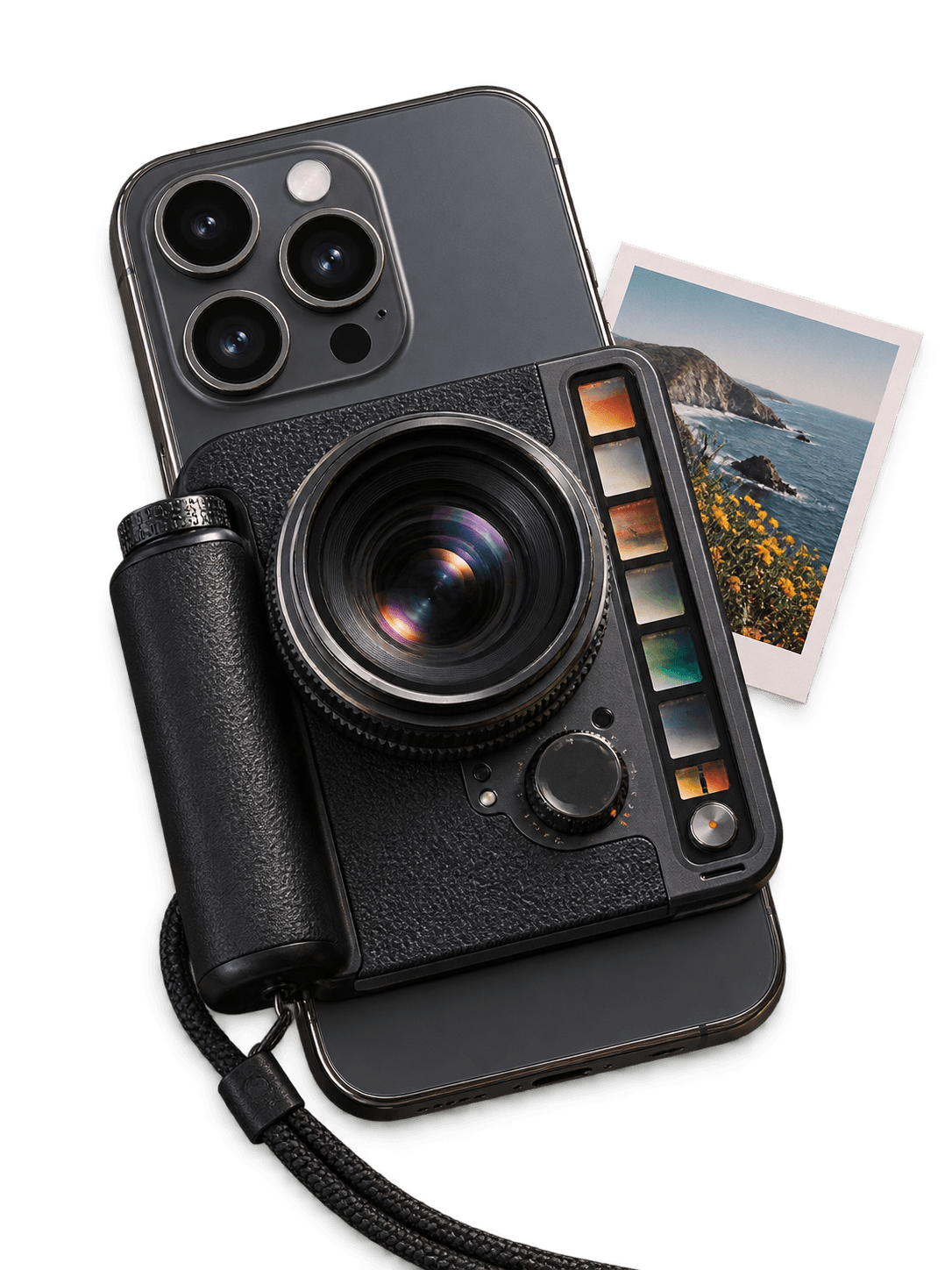
I started Iris because the manual camera apps I found for iPhone were expensive. Paying for another app or subscription should not be the only way to control shutter speed, ISO, focus, white balance, exposure, and RAW capture.
Iris is my attempt to build a free alternative. The first release is planned as an iPhone still camera with automatic capture when you want it and full manual controls when you do not. I designed and built the current prototype alone. Its interface takes inspiration from Halide 3, but Iris uses its own branding, controls, icons, and visual system.
Why I want it to be open source
Open-source software is how I learned much of what I know about building products. I could inspect real projects, understand how they worked, change things, break them, and try again. Iris should offer that same opportunity to someone else.
The app will be free and open source. It is for anyone who wants more control over an iPhone photograph without paying for a professional camera app. Someone should be able to use it as a simple automatic camera, then move into shutter speed, ISO, manual focus, white balance, exposure compensation, zoom, and DNG capture as they learn.
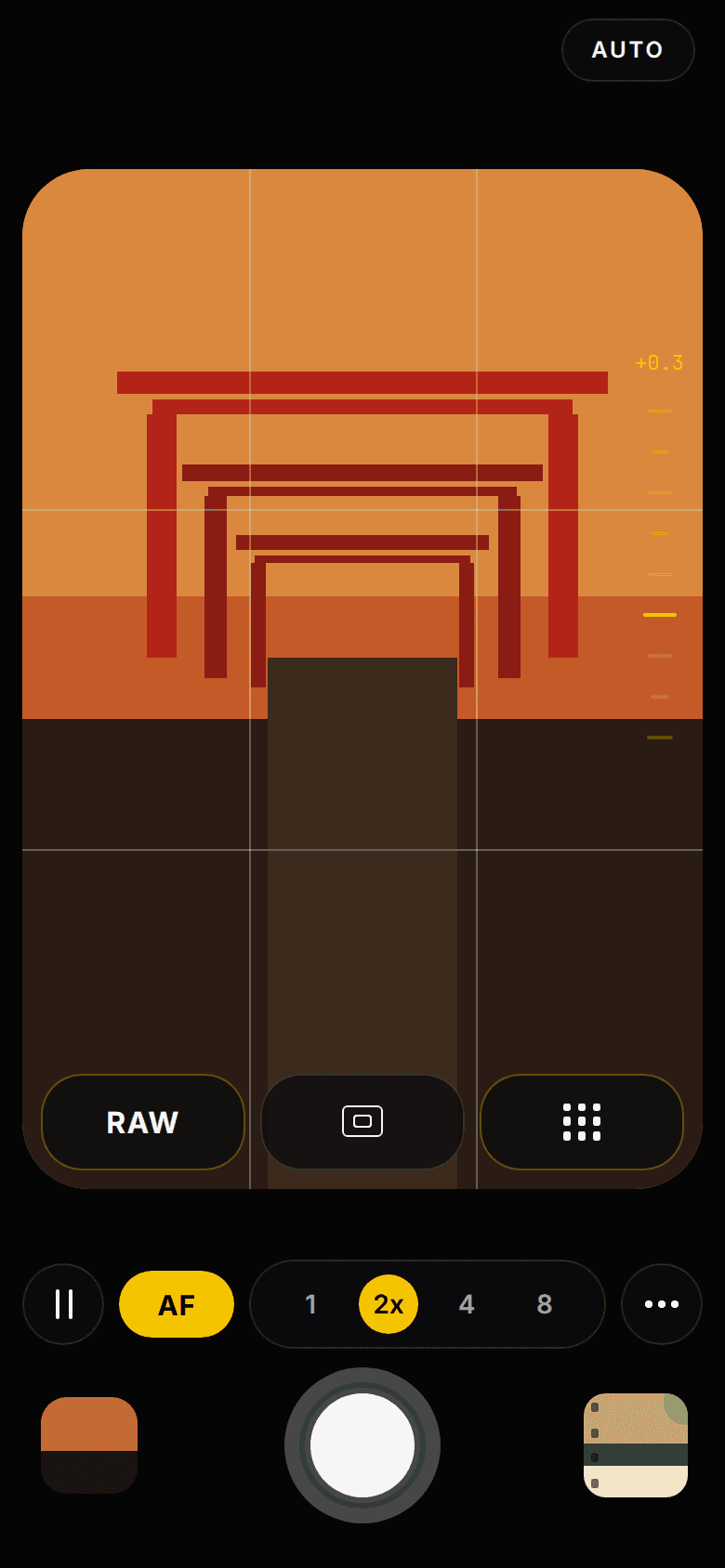
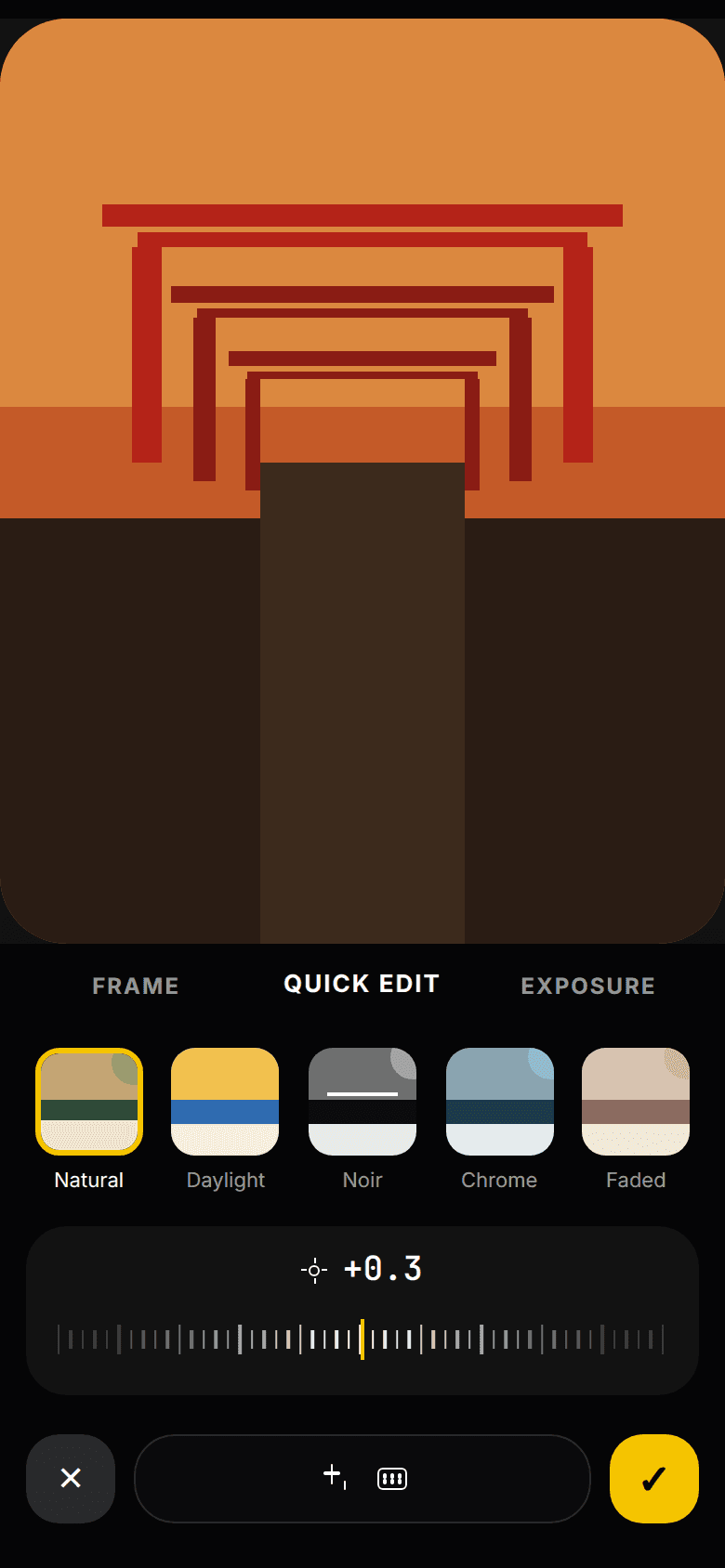
Planned first-release flow
Grant camera access and enter the viewfinder without an account.
Shoot in Auto or open the manual control tray.
Adjust focus, exposure, white balance, format, zoom, and Look.
Create one processed photo or supported DNG per shutter tap.
Keep the original, change the Look, share, or save to Photos.
What works in the prototype
The mobile app is currently an interactive interface prototype. It has Auto and Manual modes, control dials, RAW and aspect-ratio controls, composition guides, zoom shortcuts, haptics, a Look selector, and Photo Lab editing screens. It does not yet connect those controls to a production iPhone camera pipeline, and it cannot take a real photograph today.
The public website has a browser demo built around a sample image. Visitors can move the focus point, change the crop, select a Look, adjust simulated exposure, and render a JPEG or PNG through canvas. I used AI to draft the current Look recipes. They are prototype starting points, not copied camera profiles, and they still need device testing so the live preview and saved photograph produce the same result.
Prototype today and the native path ahead
tap viewfinderchoose a lensselect a Lookadjust exposurechoose RAWpress shutterapps/
mobile/ # Expo interface prototype
web/ # Astro product site and canvas demo
docs/ # Product and contributor documentationnpm install && npm run mobile
Turning the prototype into a camera
The hardest part is the iPhone camera API. Iris uses Expo SDK 57, but the App Store version of Expo Go available when I tested it did not accept the project during the SDK transition. Expo Go is useful for interface work, but the complete manual-control and image-processing stack needs a custom Expo development build and testing on a physical iPhone.
The next milestone is a signed build with camera permissions, a stable live preview, one reliable capture per shutter tap, camera switching, orientation handling, save recovery, and a recent-photo thumbnail. After a 100-shot reliability test, I can add hardware-derived manual ranges, locked controls, DNG capture, GPU-rendered Looks, and preview-to-export color checks. I plan to release Iris through TestFlight and eventually the App Store, but neither exists today.