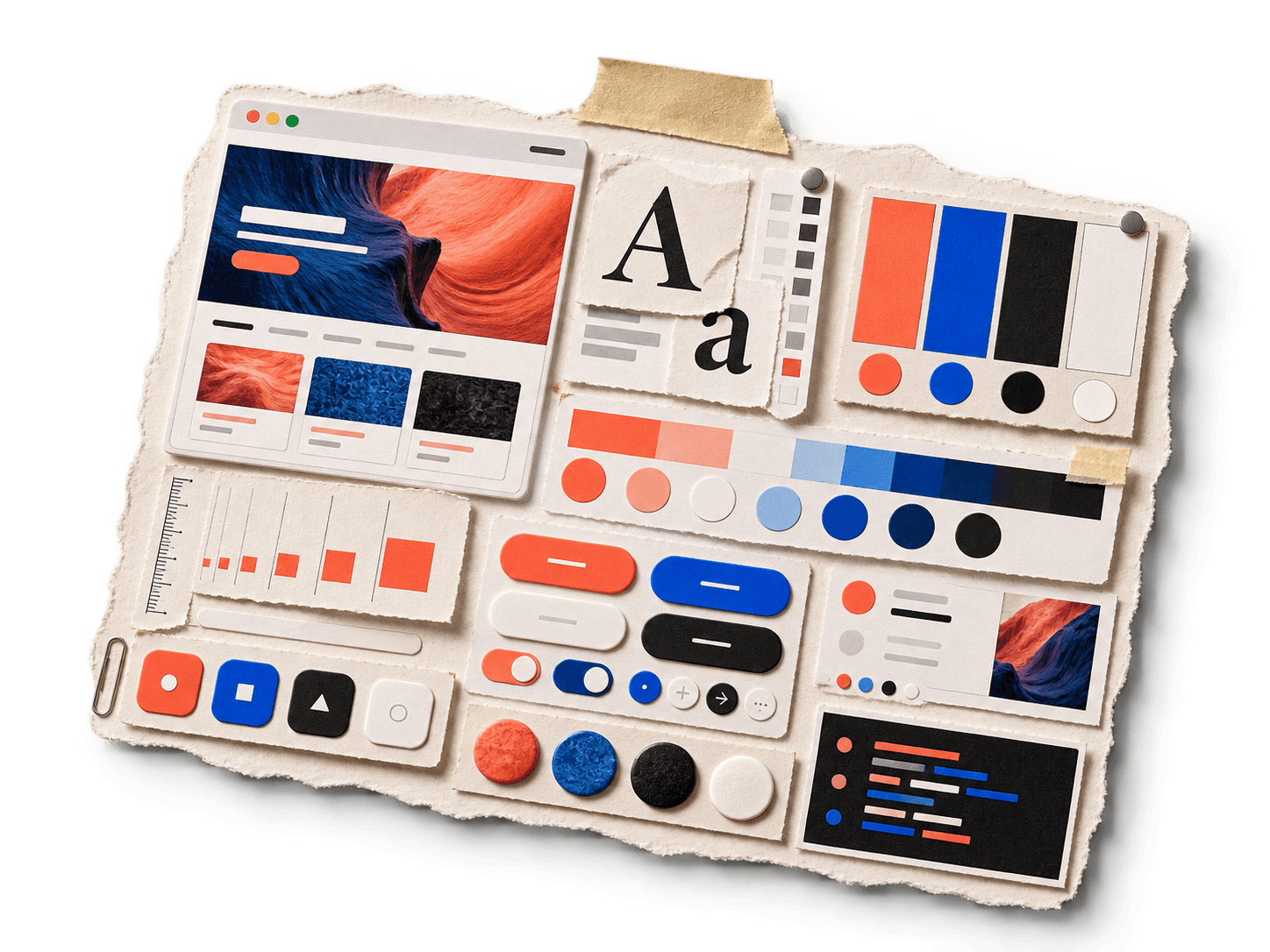
I am not a strong designer, so most of my design work starts with references. I would give an agent a screenshot and ask it to build something similar. It could usually copy the big decisions, but it missed the details that made the original work: the exact colors, border radii, spacing, typography, shadows, and component proportions.
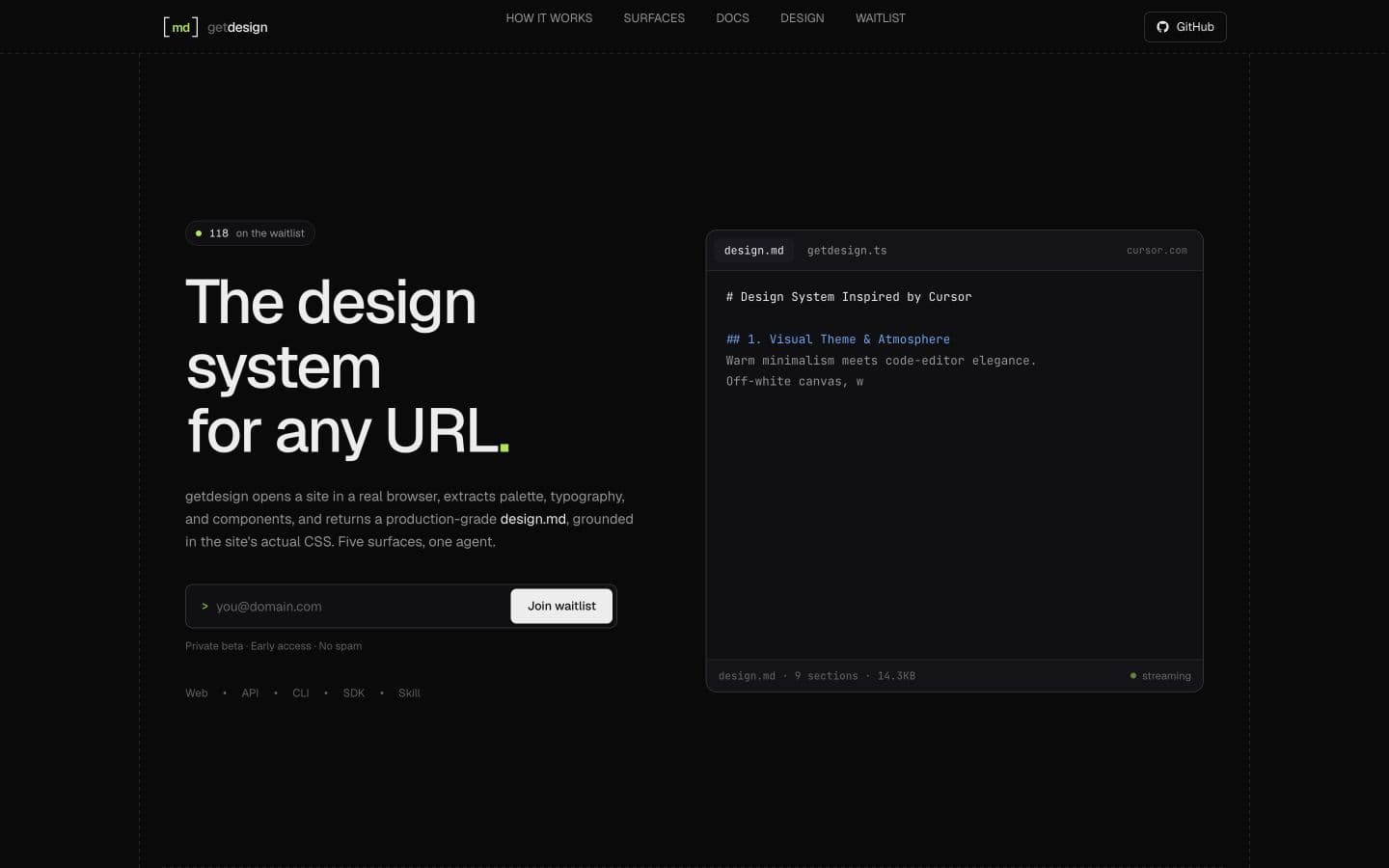
I built getdesign to give the agent both sides of the reference. Hand it a URL. It screenshots the live page in a real browser and writes a structured design.md grounded in that page's actual CSS.
Why a screenshot was not enough
Coding agents invent mediocre UI when they only have a picture. A screenshot tells them what the page looks like. It does not reliably tell them whether a card uses a 12px or 16px radius, which gray belongs to a border, or how the spacing changes between sections.
getdesign collects the page's HTML and stylesheets, renders it in a real browser, and extracts colors, typography, spacing, radii, borders, shadows, and responsive rules. It then combines that evidence with screenshots instead of asking the model to guess everything from pixels.
I based the file format on Google Labs Code's DESIGN.md idea, then made getdesign's own fixed nine-section contract. Every run returns the same order, including components, layout, depth, interactions, responsive behavior, and an agent prompt guide.
exact colorsborder radiusspacing rhythmtype hierarchybelow-the-fold designhow to apply itFrom a URL to design.md
The path is short. You paste a public URL. getdesign opens the page in a sandbox browser, captures what actually rendered, and returns a full-page screenshot with a CSS-backed design.md.
The Daytona capture system was the hardest part to build, and it is the part I am most proud of. Each run creates a temporary Daytona sandbox and launches Chromium inside it. getdesign measures the rendered page, captures it in viewport-sized tiles, scrolls through the full page, and stitches those tiles into one screenshot. The sandbox is deleted after the run.
This took far more work than calling a screenshot API. Pages load at different speeds, some continue growing as they scroll, fixed headers appear in every tile, and the browser can report a page as ready before the visual layout has settled. The same agent core now sits behind five surfaces: the web app, a hosted API, a CLI, a TypeScript SDK, and an agent skill.
How getdesign captures a full page
Start a run from the web, API, CLI, SDK, or skill.
Launch Chromium inside a short-lived Daytona environment.
Measure height, screenshot viewport tiles, and stitch them.
Collect HTML, stylesheets, and rendered tokens.
Return the screenshot and the nine-section document.
Remove the temporary environment after the run.
Five surfaces, one agent core
What works today and what still breaks
The public beta is live, including the hosted web product. Sign in at dashboard.getdesign.app with WorkOS, add your own Daytona and OpenAI keys, and run a URL. I used that path to extract cursor.com. getdesign does not bill those runs yet. Pricing is coming. Until then the product is BYOK: you pay Daytona and OpenAI directly.
The weakest part is still fetching the page source and CSS. Some sites render most of their interface on the server. Others inject styles after JavaScript runs, lazy-load assets, hide files behind authentication, or ship more CSS than the fetcher can reasonably process. Complex pages can stall the capture. The screenshot shows what appeared, but the crawler may still miss the rule that produced it.
I announced the public beta on LinkedIn, X, and Show HN, and I sent the first waitlist emails. getdesign stays open source. Oikina still gets most of my time.
# CLI
npx @getdesign/cli https://cursor.com --out design.md

# TypeScript SDK
import { getDesign } from "@getdesign/sdk";
const result = await getDesign("https://cursor.com");npx @getdesign/cli https://cursor.com --out design.md