Eikon Studio
November 2025 to August 2026 · Solo project · Product design, full-stack development, and API

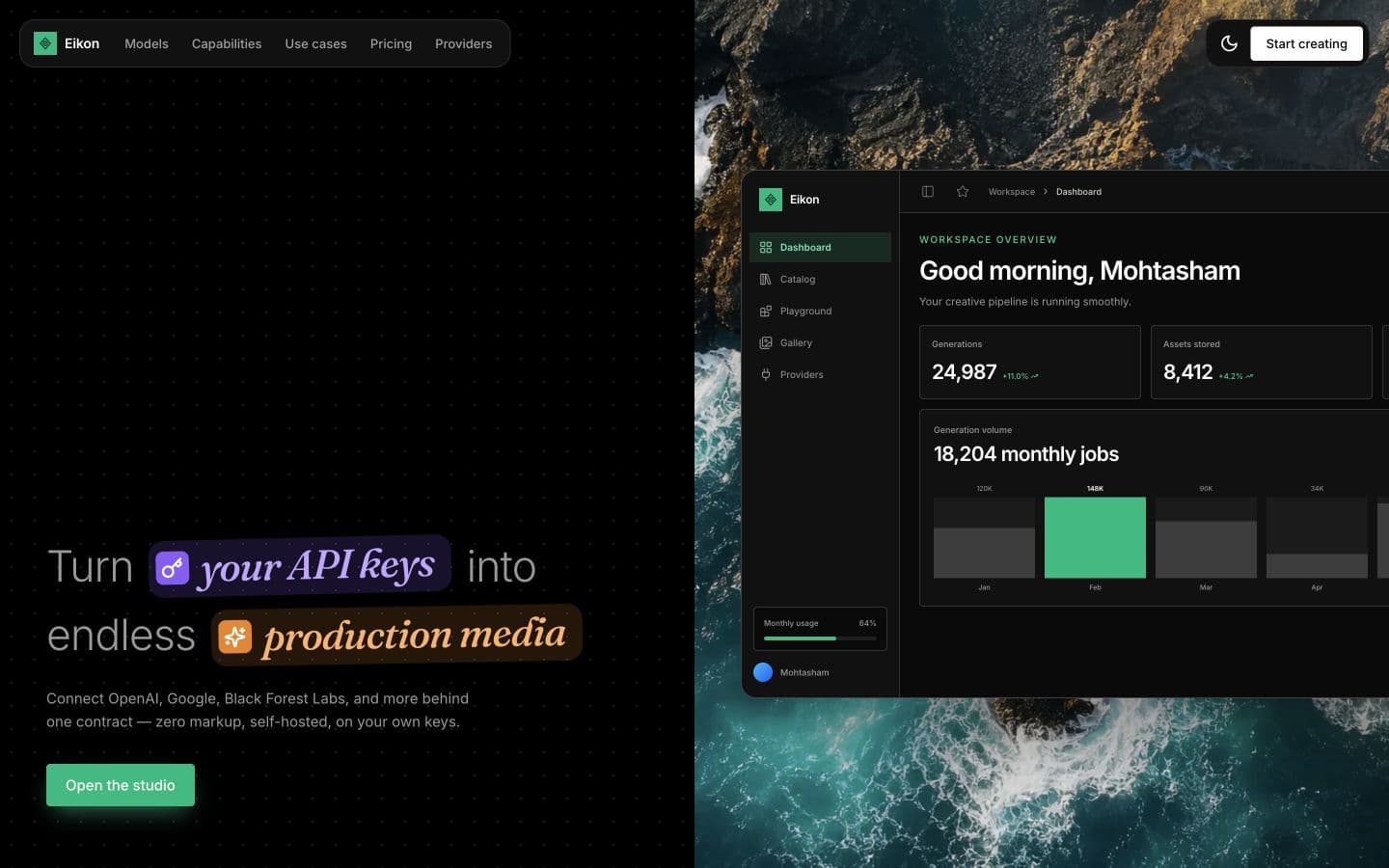
I started Eikon because I hated the existing image-generation platforms. Some were too expensive. Others had terrible interfaces. Most would not let me use my own provider keys.
The first version only supported Nano Banana. At the time, it was the only image model I actually liked using. I started with Vercel's Nano Banana Starter template, which was little more than a simple generation screen. Most of Eikon has been built beyond that starting point.
Why bring your own key
I do not want to resell generations or add another markup. People already have access to Google and OpenAI. Eikon should make those models easier to use, not become another company selling the same inference through a different screen.
A creator can use the studio without learning a provider API. A developer can send the same request through Eikon's REST API. AI agents will eventually use the CLI and SDK without touching the dashboard. The web interface and REST API work today. The CLI and TypeScript and Python SDKs are still in development.
A generation can outlive the browser
Save a Google or OpenAI credential.
Select one of the three ready image models.
Write a prompt or attach reference images.
Convex records the generation before provider work begins.
Navigation or closing the app does not cancel the work.
The result appears in generation history when it finishes.
Download it or organize it in the gallery.
The hardest part was making generations persist
An image generation should not belong to an open browser tab. A user might change pages, close the app, or return later while the provider is still working. Eikon creates the generation record in Convex before starting the provider request. Convex keeps the work running, saves the completed output, and updates the user's history.
Building this was the hardest part of the project. Provider calls can take time, fail halfway through, or finish after the user has left. The system has to know whether it is safe to retry without accidentally creating another paid generation.
How Eikon connects the interface to the provider
{
  "prompt": "An isometric keyboard switch cutaway",
  "provider": "openai",
  "imageSize": "2K",
  "aspectRatio": "landscape"
}curl -X POST https://eikonstudio.xyz/api/v1/generate -H 'Authorization: Bearer eik_...'
What works now and where I want to take it
The current release handles text-to-image generation, image editing, references, reusable prompt skills, folders, history, a personal gallery, usage analytics, Google sign-in, provider credentials, platform API keys, and a public REST endpoint. A couple of my friends and colleagues use it. Anyone can run the hosted version or self-host the project.
The useful breadth of fal.ai is the long-term reference point, not its branding or payment model. I want Eikon to provide a visual studio and one consistent way to call image and video models. More provider adapters, runnable models, comparison tools, model playgrounds, a CLI, and typed SDKs are still ahead.
connect provider keychoose a modelprompt + referencesstart generationprovider returns mediageneration completes