How Node.js handles concurrent work
Published · Updated
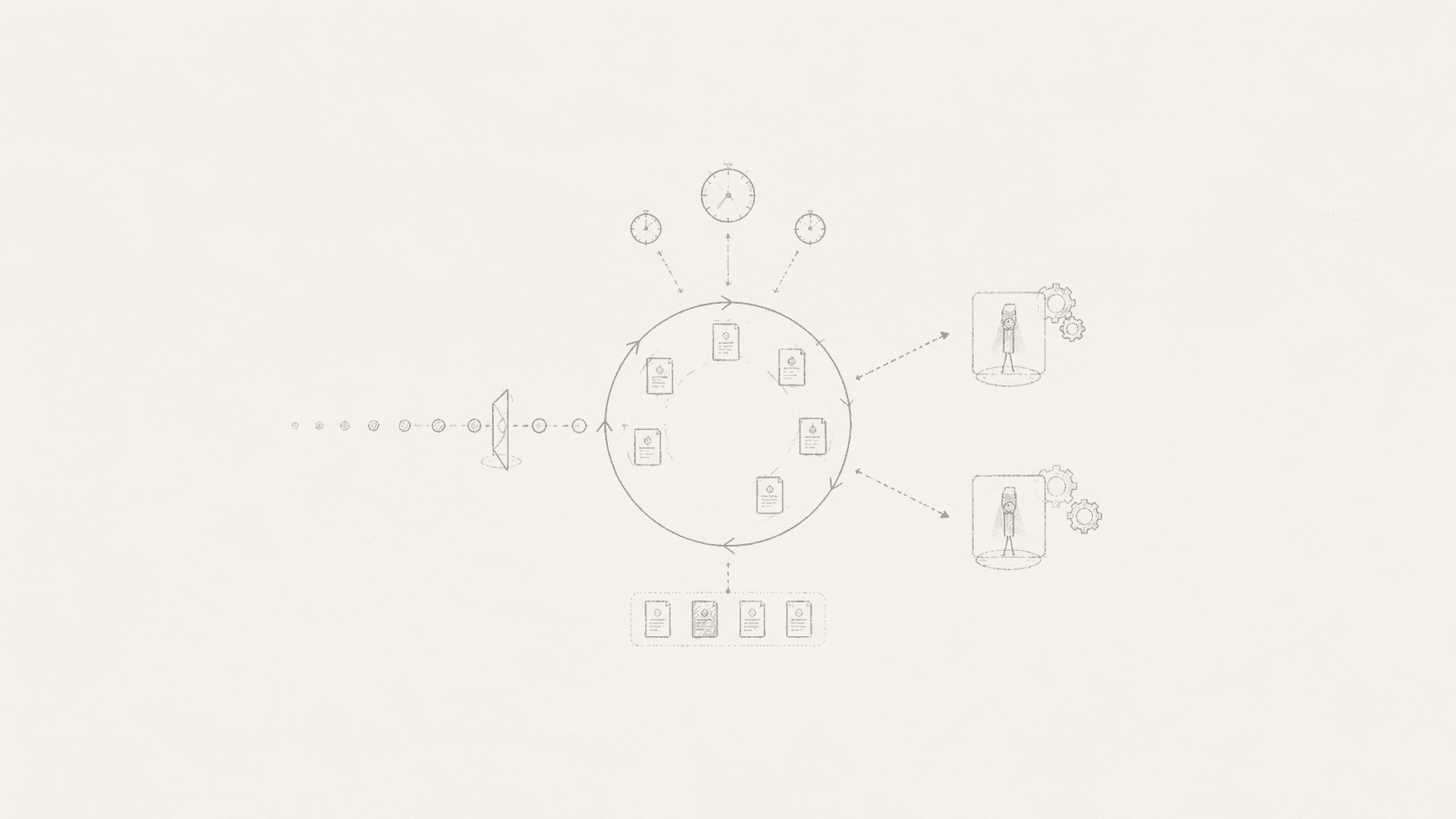
Node.js can keep many network requests moving without creating one JavaScript thread for each request. That is useful, but the usual explanation that Node.js is "single-threaded" is incomplete. JavaScript callbacks normally run on one event-loop thread. The operating system, libuv's worker pool, and any worker threads or child processes you create can all do work outside that thread.
The practical rule is simpler: keep each callback short, use asynchronous APIs for I/O, and move long CPU work away from the event loop.
The useful mental model
When a request reaches a Node.js server, the runtime does not wait beside every file read, database query, or socket. It starts the operation, lets another part of the system wait for it, and returns to other ready work. When the operation finishes, its callback or promise continuation becomes eligible to run.
incoming request
      |
      v
JavaScript callback on the event loop
      |
      +---- network I/O ----------> operating system
      |
      +---- file, DNS, crypto ----> libuv worker pool
      |
      +---- heavy JavaScript -----> worker thread you create
      |
      v
completion becomes ready
      |
      v
JavaScript callback resumes on the event loop
This is concurrency, not automatic parallel execution of all your JavaScript. If one callback spends 800 ms parsing a huge payload or calculating a result, other callbacks on that event loop wait.
What the event loop actually does
The event loop repeatedly checks groups of ready callbacks. The main phases are:
| Phase | Typical work |
|---|---|
| Timers | Callbacks whose setTimeout or setInterval threshold has passed |
| Pending callbacks | Certain system callbacks deferred from an earlier iteration |
| Poll | New I/O events and their callbacks |
| Check | setImmediate callbacks |
| Close callbacks | Cleanup such as a socket's close event |
Idle and prepare phases also exist, but Node.js uses them internally.
A timeout is a minimum delay, not a reservation. setTimeout(fn, 10) means that fn may run after 10 ms once the event loop reaches an appropriate point. A busy callback can make it run much later.
Promises add another layer. Promise reactions and queueMicrotask() use the microtask queue. Node.js also has a process.nextTick() queue, which runs before the event loop continues. Recursive use can starve I/O, and current Node.js documentation marks process.nextTick() as legacy for most user code. Prefer promises or queueMicrotask() unless an API specifically needs next-tick behavior.
Do not memorize one universal callback order
This example often appears in event-loop tutorials:
import { readFile } from "node:fs";

setTimeout(() => console.log("timeout"), 0);
setImmediate(() => console.log("immediate"));

readFile(new URL(import.meta.url), () => {
  console.log("file read");
});
The output is affected by where the callbacks were scheduled, whether I/O is already ready, the platform, and the Node.js/libuv version. Use the phase model to understand behavior, but do not build application logic around a race between a zero-delay timeout and setImmediate.
If one operation must follow another, express that dependency directly with await, a promise chain, or a callback.
Async I/O is not the same as worker threads
Choose the mechanism based on the work:
| Work | First choice | Reason |
|---|---|---|
| HTTP, database, or socket I/O | The library's asynchronous API | The event loop can wait without blocking JavaScript |
| File-system, selected DNS, crypto, or compression work | Node.js async API | Node.js can use libuv's worker pool |
| Expensive JavaScript calculation | worker_threads | JavaScript can run in parallel on another thread |
| Separate program or strong process isolation | child_process | The work runs in another process |
| Several server processes listening on the same port | A process manager or cluster where appropriate | Uses more CPU cores with process isolation |
Worker threads help with CPU-heavy JavaScript. They usually make I/O-heavy work more complicated without making it faster. A worker also has startup and communication costs, so do not create a fresh worker for every tiny calculation. Use a pool for repeated jobs.
A blocking endpoint affects everyone
This server looks small, but one large request can delay every other request handled by the same event loop:
import { createServer } from "node:http";

createServer((request, response) => {
  if (request.url === "/sum") {
    let total = 0;
    for (let i = 0; i < 2_000_000_000; i += 1) total += i;
    response.end(String(total));
    return;
  }

  response.end("still waiting");
}).listen(3000);
The loop is synchronous JavaScript. async would not fix it because adding async does not move computation to another thread. The options are to reduce the work, split it into bounded chunks, cache the result, run it in a worker, or move it to a different service.
Input limits matter too. A function that is fast for a 2 KB payload may be dangerous for an unbounded 200 MB payload. Bound request bodies, expensive regular expressions, JSON size, and per-request iteration counts.
Streams keep memory use bounded
Reading a large file with readFile holds the complete file in memory. A stream processes chunks as they arrive. The pipeline helper connects streams, handles backpressure, and reports failures through one promise.
import { createReadStream, createWriteStream } from "node:fs";
import { pipeline } from "node:stream/promises";
import { createGzip } from "node:zlib";

await pipeline(
  createReadStream("archive.tar"),
  createGzip(),
  createWriteStream("archive.tar.gz"),
);
Backpressure is the important part. If the destination is slower than the source, a good pipeline slows the source instead of letting chunks accumulate until the process runs out of memory.
Use streams for large files, uploads, downloads, transformations, and long result sets. For a tiny configuration file, readFile is usually clearer.
Be explicit about modules
Node.js supports CommonJS and ECMAScript modules. Use an explicit marker so the runtime and tooling do not have to guess.
| Format | Explicit package setting | File escape hatch | Main syntax |
|---|---|---|---|
| ECMAScript modules | "type": "module" | .mjs | import and export |
| CommonJS | "type": "commonjs" | .cjs | require and module.exports |
Relative ESM imports require complete file names such as ./config.js. CommonJS resolution can try extensions and directory indexes. That difference explains many "module not found" errors during migrations.
For new application code, ESM is a sensible default. For a library, test both your package exports and the Node.js versions you claim to support. Do not assume that a successful local import proves every consumer can load the package.
Measure event-loop delay
CPU percentage alone does not tell you whether callbacks are waiting too long. Node.js exposes an event-loop delay histogram through node:perf_hooks:
import { monitorEventLoopDelay } from "node:perf_hooks";

const delay = monitorEventLoopDelay({ resolution: 20 });
delay.enable();

setInterval(() => {
  console.log({
    meanMs: Number(delay.mean / 1e6).toFixed(2),
    p99Ms: Number(delay.percentile(99) / 1e6).toFixed(2),
    maxMs: Number(delay.max / 1e6).toFixed(2),
  });
  delay.reset();
}, 10_000).unref();
Measure this beside request latency, throughput, error rate, memory, garbage collection, worker-pool saturation, and downstream service timing. A high p99 event-loop delay tells you that ready callbacks could not run promptly. It does not tell you which function caused the delay, so pair it with profiling and traces.
A practical review checklist
Before shipping a Node.js service, check the following:
- Synchronous file, crypto, compression, and child-process APIs are not used in request handlers.
- CPU-heavy work is bounded, cached, split up, or moved off the event loop.
- Request bodies, query sizes, regex inputs, and loops have limits.
- Stream pipelines handle errors and backpressure.
- Every outbound request has a timeout and a cancellation path.
- Promise rejections reach centralized error handling.
- Shutdown stops new work, finishes or cancels current work, and closes resources.
- Module format and supported Node.js versions are explicit.
- Event-loop delay and tail latency are measured in production.
- Dependencies and the Node.js runtime receive security updates.
You do not need to reason about every libuv detail to build a good service. You do need to know which work occupies the event loop, which work is delegated, and how you will notice when either queue is falling behind.